What is the DRI Digital River Charge on Your Bank Statement?
Have you ever checked your bank statement and seen a charge that made you scratch your head? A strange name like “DRI Digital River” can be alarming. Your first thought might be that it’s a scam or some kind of fraud.
Before you panic, take a deep breath. This charge is often legitimate and comes from a purchase you likely made. This article will explain what DRI Digital River is, why the charge appears on your statement, and how to check if it’s real. We’ll walk you through everything, step-by-step.
What is Digital River?
Digital River is a large e-commerce company that helps other businesses sell their products and services online. Think of it as a behind-the-scenes helper for thousands of brands. It has been around for decades, providing secure payment processing for software, games, and other digital goods.
When you buy something from a website that uses Digital River, they handle the entire transaction. This includes processing your payment, managing subscriptions, and delivering digital products. Because they process the payment, their name is what shows up on your bank statement. Banks often shorten “Digital River Inc.” to “DRI,” which is why you see that specific label.
Why Do You See DRI Digital River on Your Bank Statement?
The most common reason for a DRI Digital River charge is that you recently made an online purchase. Many popular software companies and online stores use Digital River to handle their sales. You might have bought a new antivirus program, downloaded a video game, or renewed a subscription service.
If you’re curious about other mysterious charges you may encounter, you can check out our guide on what does SQ mean on a bank statement to better understand them.
For example, if you bought a yearly subscription to an antivirus program, the charge might appear as “DRI Digital River” instead of the software brand’s name. This can be confusing, but it’s a normal part of how they process payments. This Digital River payment could be a one-time purchase or a recurring subscription payment.
The charge can appear whether you used a credit card, debit card, or even PayPal. If your PayPal account is linked to your bank, the charge description will still point back to Digital River. This is simply a bank statement explanation for the transaction that occurred.
Is the DRI Digital River Charge Legit or Fraud?
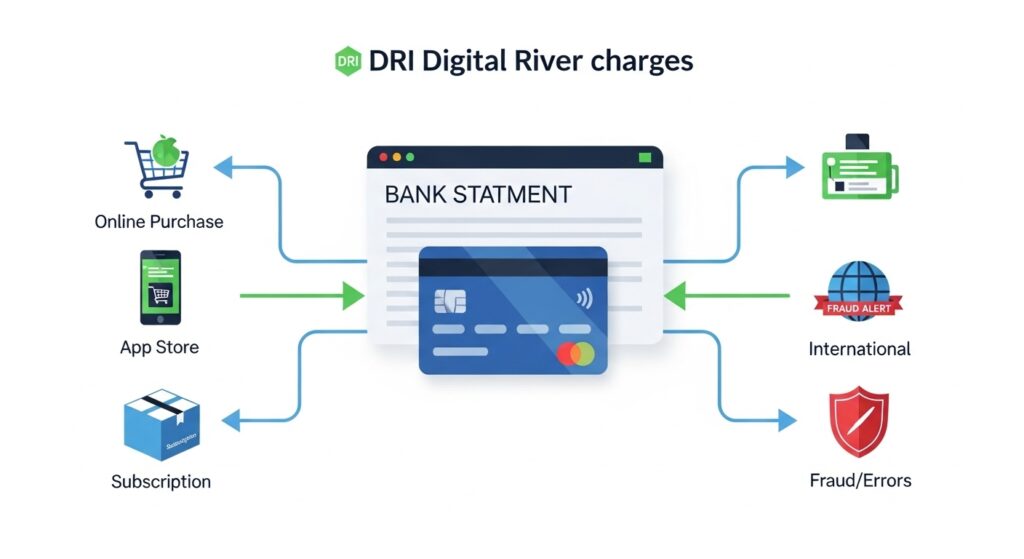
Most of the time, a DRI charge is completely legitimate. It usually corresponds to a digital product you purchased or a service you subscribed to. Before assuming it’s fraud, think back to any recent online shopping you’ve done, especially for software, antivirus programs, or PC games.
For other cases of unusual charges, it’s helpful to review articles like what is the SP AFF charge on your bank statement to compare how common payment processors appear on statements.
However, it’s always smart to be cautious. An unauthorized charge could happen if someone got ahold of your card details. Red flags include multiple charges in a short period, a charge for a product you know you didn’t buy, or an amount that seems unfamiliar.
The key is to tell the difference between a forgotten purchase and actual fraud. A forgotten charge is a simple mistake, while fraud is a crime. The next steps will help you figure out which one you’re dealing with and what to do about it.
Common Products and Companies Using Digital River
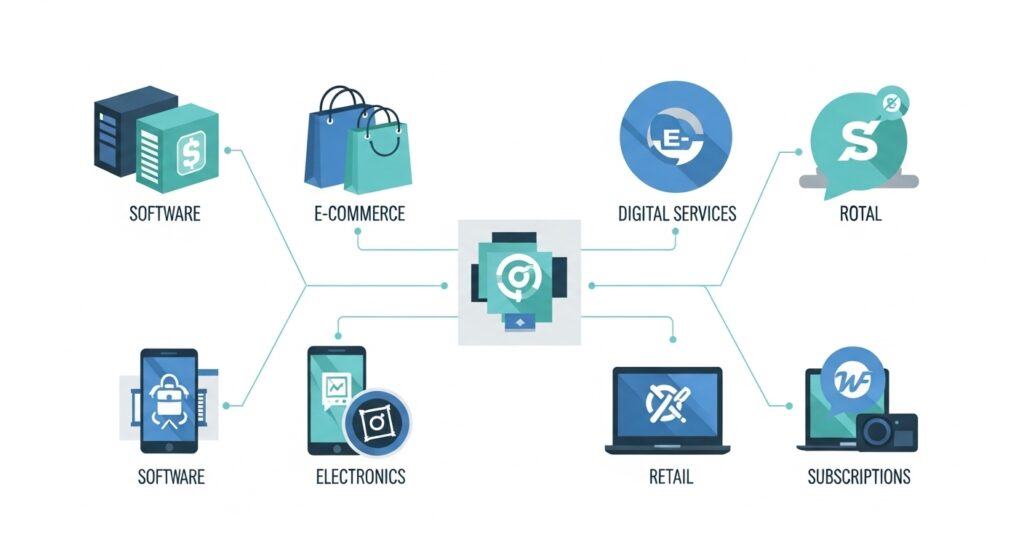
You might be surprised by how many well-known companies use Digital River to process their payments. This is why a DRI charge can appear even if you’ve never heard of Digital River itself. They act as the payment processor for some of the biggest names in tech. If you want to explore more examples of recurring digital charges, you can also read about the LPS charge on your bank statement.
Some of the brands that partner with Digital River include:
- Microsoft (for certain software and services)
- Adobe (for creative software subscriptions)
- Avast, AVG, and Norton (for antivirus software)
- Samsung (for electronics and services)
- Logitech (for computer accessories)
- Ubisoft (for video games)
If you have recently purchased or renewed a product from one of these companies, that is likely the source of the charge. It could be an annual antivirus renewal, a new photo editing program, or a game you downloaded for your PC. Checking your recent digital purchases is a great first step.
How to Verify a Digital River Charge
If you’re unsure about a DRI Digital River charge, you can take a few simple steps to verify it. This process will help you confirm whether the charge is legitimate before you take further action. Don’t worry, it’s easier than it sounds.
Here is a step-by-step guide to check the charge:
- Check Your Emails: Search your inbox (and spam folder) for “Digital River” or the name of any recent software or digital product you bought. You are looking for an order confirmation, receipt, or invoice that matches the charge amount and date.
- Use Digital River’s Order Lookup: Digital River has a helpful online tool to find your order. You can usually find it by searching for “Digital River order lookup.” You will need your email address and the last four digits of your credit card to find your order history.
- Review Your Billing Information: Look at the details of the charge on your bank statement. Does the date line up with a recent purchase? Sometimes it takes a few days for a charge to appear, so think back over the past week.
If you complete these steps and still can’t identify the charge, it’s time to contact Digital River directly or call your bank. Having the transaction date and amount handy will make the process faster.
For additional insight into recurring digital payments, consider checking out our guide on the Infinite Loop charge on your statement, which explains a similar payment processing scenario.
How to Handle Unauthorized DRI Charges
Finding an unauthorized charge on your statement is stressful, but there is a clear process to resolve it. The first thing to do is stay calm and act quickly. Time is important when dealing with potential fraud.
If you encounter other unknown transactions, you may also want to read our article on the Ikano Bank charge on bank statement to see how these cases are typically handled.
First, double-check that the charge isn’t for a forgotten subscription or a purchase made by a family member. If you are certain the charge is unauthorized, your next step is to begin a charge dispute. You can start this process with Digital River or your bank.
To dispute the charge with Digital River, use their customer support contact information, which you can find on their website. Explain the situation and provide the transaction details. They may be able to resolve it and issue a refund. If you suspect your card has been stolen, you should contact your bank immediately to report the fraud and cancel the card. The bank can also initiate a chargeback, which reverses the payment.
How to Cancel a Subscription Through Digital River
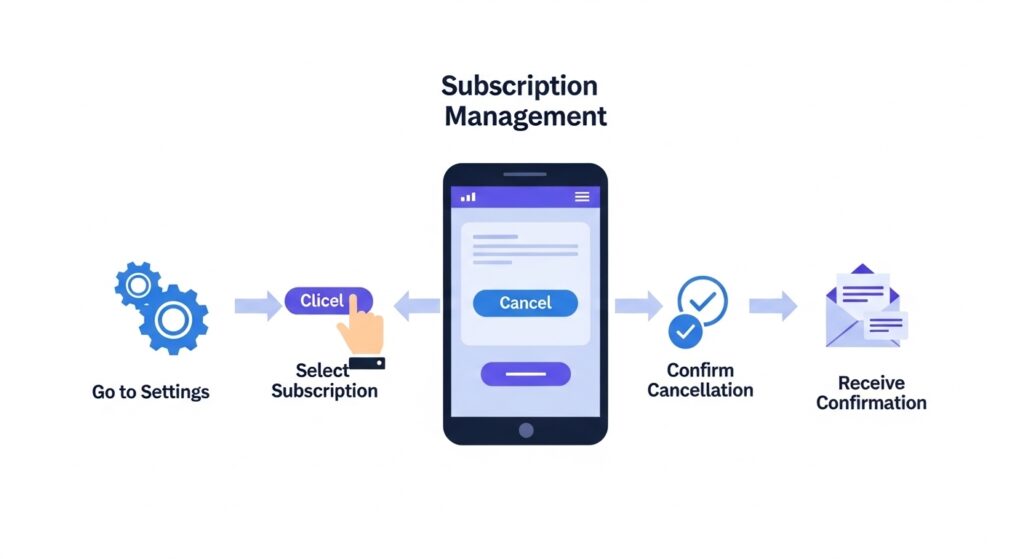
Many DRI Digital River charges are for automatic subscription renewals. If you no longer need the service, you can cancel it to prevent future payments. The process is usually straightforward.
First, you need to find your subscription details. The easiest way is to use the Digital River order lookup tool on their website. You can typically find your order with your email address or order number. The order number should be in the original confirmation email you received when you first subscribed.
Once you find the subscription in their system, there should be an option to manage it. Look for buttons or links that say “Cancel Subscription” or “Turn Off Auto-Renewal.” Follow the on-screen instructions to complete the cancellation. You should receive a confirmation email once it’s done, which you should save for your records.
How to Get a Refund from Digital River
If you want a refund for a legitimate purchase, you will need to follow the refund process. Each company that sells through Digital River has its own refund policy, so the rules can vary. Most software companies offer a refund within 14 or 30 days of purchase.
To request a refund, you should first contact the customer support of the company you bought the product from (like the antivirus or software brand). If you can’t find their contact information, you can go through Digital River contact support. They can help direct you to the right place or process the refund for you.
Be prepared to provide your order number and the reason for your refund request. Once approved, refunds usually take 5 to 7 business days to appear back in your account. The timing depends on how quickly your bank processes the transaction.
Preventing Confusion with Future Charges
A little organization can save you from the headache of mysterious charges in the future. By keeping good records of your online purchases, you can easily identify every transaction on your bank statement. This helps you spot real fraud faster.
Here are a few tips to avoid confusion:
- Keep Your Receipts: Always save the email confirmations and receipts you get after an online purchase. Create a special folder in your email to store them so they are easy to find.
- Use a Password Manager: Many password managers can also store subscription details, including renewal dates and costs. This helps you keep track of all your recurring payments in one place.
- Check Your Statements Regularly: Make it a habit to review your credit card transactions and bank statements at least once a week. The sooner you spot an issue, the easier it is to fix.

FAQs About DRI Digital River Charges
Here are answers to some common questions people have about Digital River.
Why is it labeled as DRI?
DRI is simply an abbreviation for Digital River, Inc. Banks and credit card companies often shorten merchant names on statements to save space. It’s the same company.
Does Digital River charge hidden fees?
No, Digital River does not add hidden charges. The amount you see on your statement should match the total price you were shown at checkout, including any taxes or fees disclosed by the seller. If the amount is different, it could be due to currency conversion rates if you purchased from an international store.
Can I trust Digital River?
Yes, Digital River is a well-established and secure e-commerce platform. They have been processing payments for major global brands for over 25 years. A charge from them is almost always for a legitimate product or service you bought.
What happens if I ignore the charge?
Ignoring an unknown charge is risky. If it’s a legitimate subscription, it will likely renew again, costing you more money. If it’s a fraudulent charge, the person who stole your information may continue to make more purchases. It’s always best to investigate any charge you don’t recognize.
Conclusion
Seeing a “DRI Digital River” charge on your bank statement can be unsettling, but it’s rarely a cause for alarm. In most cases, it’s a legitimate payment for software, a game, or another digital service you purchased. It’s just processed by a company working in the background.
The best thing you can do is carefully check your email for receipts and use Digital River’s online tools to look up your order history. By following the steps outlined in this guide, you can quickly verify the charge and take action if needed. Stay alert, check your statements regularly, but don’t panic when you see this common charge.