What Is the Infinite Loop Charge on Your Statement?
It’s a familiar feeling: you’re checking your bank statement, and a strange charge pops up. You don’t remember buying anything from a place called “Infinite Loop.” Seeing an unknown bank statement charge can be worrying, but don’t panic. This article will explain exactly what the Infinite Loop charge is and what you should do about it.
You will learn where this charge comes from, how to know if it’s real, and what steps to take if you think it’s a mistake. We will walk you through everything you need to know to protect your financial security.
What Does “Infinite Loop” Mean?
The name “Infinite Loop” might sound mysterious, but it’s actually a real place. Infinite Loop was the street address for Apple’s main headquarters in Cupertino, California, for many years. Even though they have a new main campus, Apple still uses this name for some of its billing.
So, when you see an “Infinite Loop” or “Apple Infinite Loop Cupertino” charge on your credit card statement, it almost always means the charge is from Apple. It’s just their way of identifying the transaction. For example, your statement might show something like: APPLE.COM/BILL, INFINITE LOOP, CUPERTINO, CA.
Common Reasons for an Infinite Loop Charge
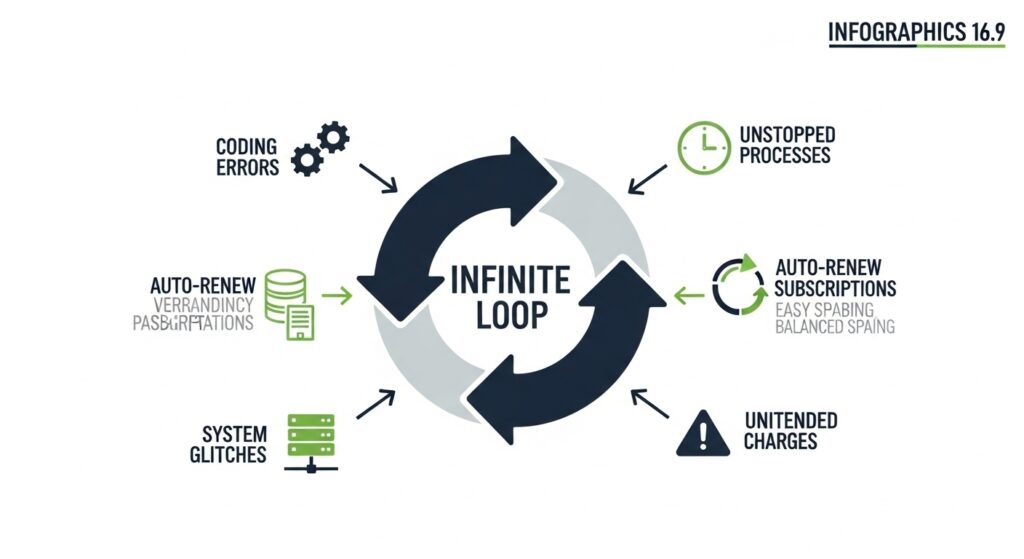
Most of the time, this charge is for a legitimate purchase or subscription from Apple. There are several common reasons why this charge might appear on your statement. Understanding them can help you quickly identify where the money went.
App Store and iTunes Purchases
One of the most frequent causes is a purchase from the App Store or iTunes. This could be anything from a new game you downloaded, an in-app purchase for extra lives, a movie you rented, or a song you bought. These small purchases can add up, and they are all billed through your Apple account.
Recurring Subscriptions
A recurring subscription is another top reason for an Infinite Loop charge. Many services use a subscription model, where you are charged weekly, monthly, or yearly. This could be an Apple Music subscription, an Apple TV+ plan, or an Apple Arcade membership. Even subscriptions to non-Apple apps that are billed through the App Store, like Spotify or Netflix, can show up this way.
iCloud Storage Fees
If you use more than the free 5GB of iCloud storage, you have to pay a monthly fee for extra space. This iCloud storage fee is a recurring payment that will appear on your bank statement. Since it’s an Apple service, it will be billed as an Infinite Loop charge.
Family Sharing Purchases
Do you use Apple’s Family Sharing feature? If so, any purchases made by family members linked to your account will be charged to your payment method. This means a game your child bought or an app your partner downloaded could be the source of the charge. Family sharing purchases are a very common source of surprise charges.
Is the Infinite Loop Charge Legitimate?
Now that you know what usually causes the charge, how can you be sure it’s legitimate? The first step is to check your own purchase history. A real charge from Apple will be recorded in your Apple ID account.
You can look for signs that the charge is real. For example, does the amount match a recent app purchase or a monthly subscription fee you know you have? If you recently upgraded your iCloud storage, the charge will likely match the cost of the new plan.
The best way to confirm is by looking directly at your Apple purchase history. This record shows every single transaction tied to your account, making it easy to match the charge on your bank statement to a specific item.
Could It Be a Fraudulent Transaction?
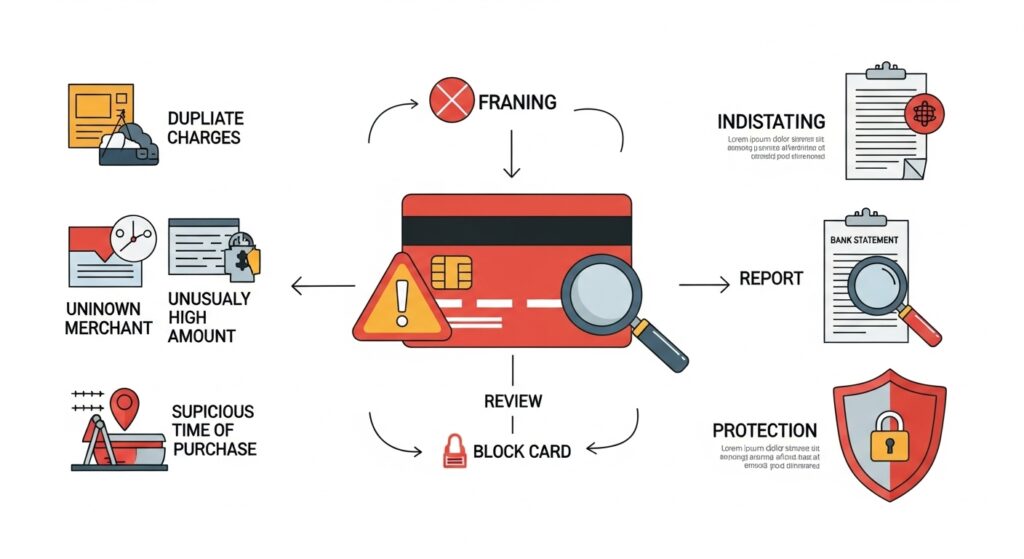
While most Infinite Loop charges are real, it’s also possible for it to be a fraudulent transaction. Scammers sometimes try to use popular company names like Apple to trick people. They might create a fake charge hoping you won’t notice it among your other purchases.If you’ve seen other unexpected charges on your statement, like a Fastspring or FSPrg.com charge or a FirstOnline charge, this could signal a pattern of suspicious activity.
A major warning sign of fraud is if you don’t own any Apple products or have an Apple ID. If you’ve never bought anything from Apple, you should not see an Apple Infinite Loop charge on your statement. Another red flag is seeing multiple unexpected charges in a short period.
If you suspect fraud, it’s important to act quickly. A fraudulent charge is a serious issue that points to a potential compromise of your credit card information. This is different from a simple billing error, which is an accidental mistake.
How to Verify the Charge Step-by-Step
If you see a charge you don’t recognize, follow these steps to find out where it came from. This process will help you confirm whether it’s a legitimate purchase or something you need to dispute.
- Check Your Apple Purchase History:
- On your iPhone or iPad, go to Settings > [Your Name] > Media & Purchases > View Account. You may need to sign in.
- Tap on Purchase History. Here you will see a list of everything you have bought.
- You can also check this on a computer by visiting reportaproblem.apple.com and signing in with your Apple ID.
- Review Your Subscriptions:
- On your iPhone or iPad, go to Settings > [Your Name] > Subscriptions.
- This page shows all active and expired subscriptions tied to your Apple ID. Check if the charge matches one of these recurring payments.
- Ask Your Family Members:
- If you use Family Sharing, ask everyone in your group if they made a purchase. It’s easy for a child to accidentally buy something in a game, so this is a crucial step.
- Contact Apple Support:
- If you still can’t identify the charge after checking everything, it’s time to contact Apple Support. They can look up the transaction and tell you exactly what it was for. Having the date and amount of the charge ready will help them assist you faster.
What to Do If You Don’t Recognize the Charge
If you’ve completed the steps above and are certain you did not authorize the transaction, you need to take action. This could be an unauthorized charge from a family member, a billing error, or fraud. Here’s how to handle it.
Dispute the Charge with Your Bank
For a suspected fraudulent transaction, your first call should be to your bank or credit card company. Use the customer service number on the back of your card to report the unauthorized charge. They will likely cancel your card and issue a new one to prevent further fraud. This is a critical step for your financial security.
The bank will start a dispute transaction process. They will investigate the charge, and if they find it to be fraudulent, they will refund your money.
Request a Refund from Apple
If the charge is legitimate but accidental, like a child’s in-app purchase or a subscription you forgot to cancel, you can request a refund from Apple. Go to reportaproblem.apple.com, find the purchase, and click “Report a Problem.” Choose “Request a refund” and explain why you’re asking for one.
Apple reviews these requests on a case-by-case basis. For guidance on other common unexpected charges, you may also want to check articles like Harland Services charge or Home Retail Group charge to see how similar disputes are handled.
Protect Yourself in the Future
To avoid future surprises, it’s a good idea to set up purchase notifications with your bank. These alerts will send you a text or email every time your card is used, so you’ll know about charges immediately. You can also turn on “Ask to Buy” for children in your Family Sharing group to approve their purchases beforehand.
How to Protect Your Account from Future Issues
Being proactive is the best way to prevent billing problems. A few simple security measures can protect your accounts and give you peace of mind.
First, use a strong, unique password for your Apple ID. Avoid using common words or personal information. A mix of letters, numbers, and symbols is best.
Second, turn on two-factor authentication (2FA). This adds an extra layer of security by requiring a second verification step when you log in on a new device. It makes it much harder for anyone to access your account, even if they have your password.
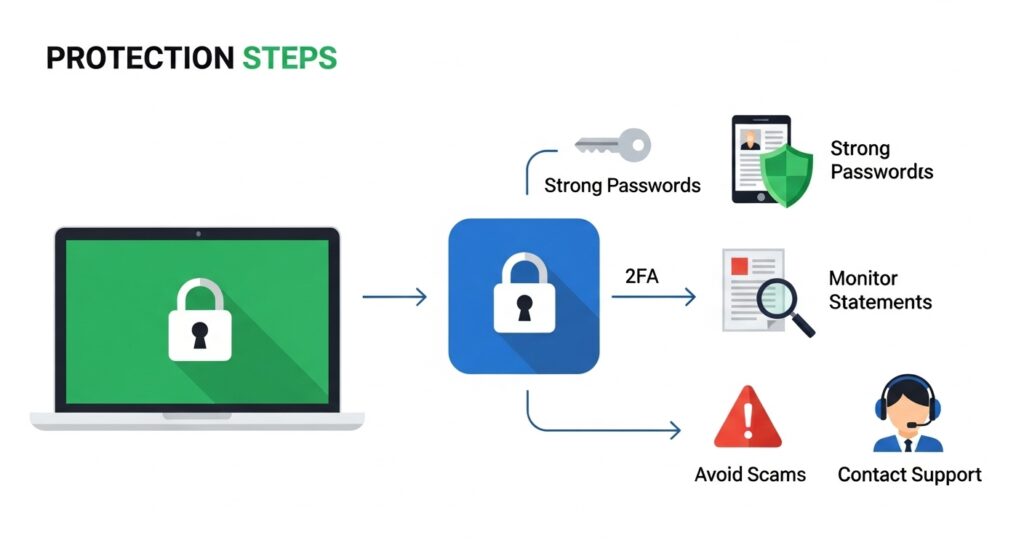
Finally, make it a habit to review your bank and credit card statements every month. Catching a billing error or fraudulent charge early makes it much easier to resolve.
Frequently Asked Questions (FAQ)
Why do I see multiple Infinite Loop charges in one month?
This often happens if you have several subscriptions that renew on different days. It could also be a combination of a one-time purchase, like a movie, and a recurring subscription, like iCloud storage. Check your purchase history to see the details for each charge.
Can my kids cause this charge by accident?
Yes, this is very common. If a child’s device is linked to your Apple ID or is part of Family Sharing, they can easily make in-app purchases without realizing it costs real money. Use the “Ask to Buy” feature to prevent this.
Does an Infinite Loop charge always mean it’s from Apple?
In almost all cases, yes. The Infinite Loop address is directly tied to Apple’s billing system. If you see this name, it is very likely a transaction processed by Apple.
What if I don’t own any Apple devices but still see the charge?
If you don’t have an iPhone, iPad, or Mac, you should not have an Apple account or any related charges. An Infinite Loop charge in this situation is a major red flag for fraud. Contact your bank immediately to report it and secure your card.
Take Control of Your Finances
Seeing a mysterious charge on your bank statement can be alarming, but now you know that an “Infinite Loop charge” is usually just a purchase from Apple. By following the steps outlined here, you can quickly find out what the charge is for and confirm it’s legitimate.
Staying alert is the best way to keep your financial information safe. For more examples of how to handle unexpected bank statement entries, consider reading about the Fastspring or FSPrg.com charges and FirstOnline charge for practical tips.