What Is the SXM-SIRIUSXM.COM/ACCT Charge on Your Bank Statement?
Finding an unfamiliar charge on your bank or credit card statement can be a stressful experience. Your mind might immediately jump to fraud, creating a sense of urgency and worry. One common charge that often causes confusion is labeled “SXM-SIRIUSXM.COM/ACCT.” Before you panic, it’s helpful to understand what this charge is and why it might have appeared on your statement.
What Is SXM-SIRIUSXM.COM/ACCT?
The charge SXM-SIRIUSXM.COM/ACCT is from SiriusXM, the popular satellite radio and online streaming service. Millions of people use SiriusXM in their cars, on their phones, and at home to listen to music, sports, news, and entertainment. This specific line item is how the company’s subscription fees typically appear on billing statements. So, if you see this, it most likely relates to a subscription with SiriusXM.
Why Does the SXM-SIRIUSXM.COM/ACCT Charge Appear?
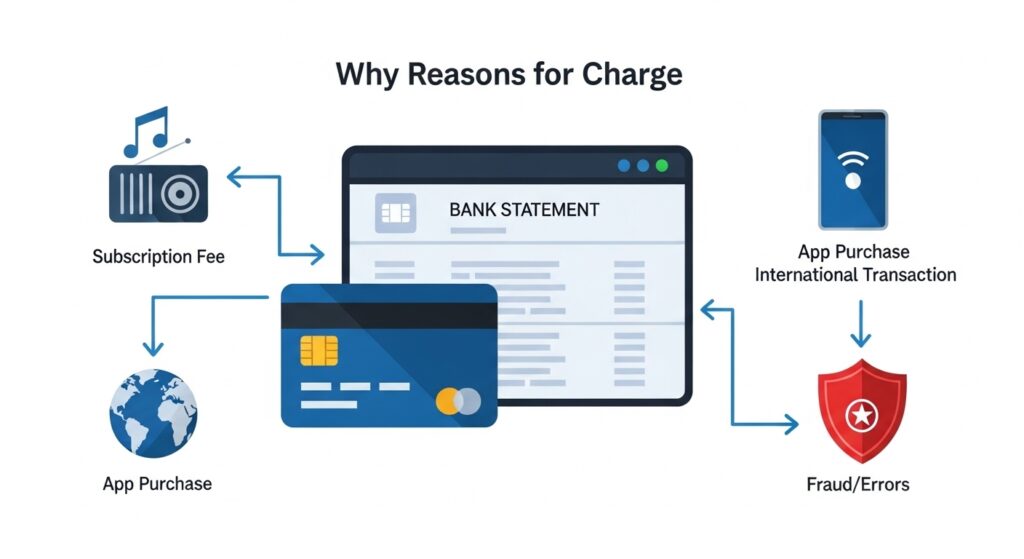
There are several common reasons why this charge might show up on your account. Understanding them can help you quickly identify its source.
- Subscription Renewals: SiriusXM offers various billing cycles, including monthly, quarterly, and yearly plans. The charge you see is likely an automatic renewal for a subscription you signed up for.
- Free Trial Conversions: Many new vehicles come with a free trial of SiriusXM. Once the trial period ends, the service often converts to a paid subscription automatically. You may have provided a credit card for the trial, which is now being charged.
- Multiple Accounts: It’s possible to have more than one SiriusXM subscription. For example, you might have one for your car and another for a family member’s vehicle, both linked to the same payment method.
Is the Charge Legitimate?
In most cases, the SXM-SIRIUSXM.COM/ACCT charge is legitimate. It’s easy to forget about a subscription, especially one that came with a vehicle purchase or renews infrequently. You might have signed up during the car buying process or activated a trial months ago and forgotten about the auto-renewal terms.
If you want to better understand other recurring charges on your statement, you can also check our guide on what is the CCI CARE COM charge on your statement to compare common subscription billing patterns.
How to Verify the Charge
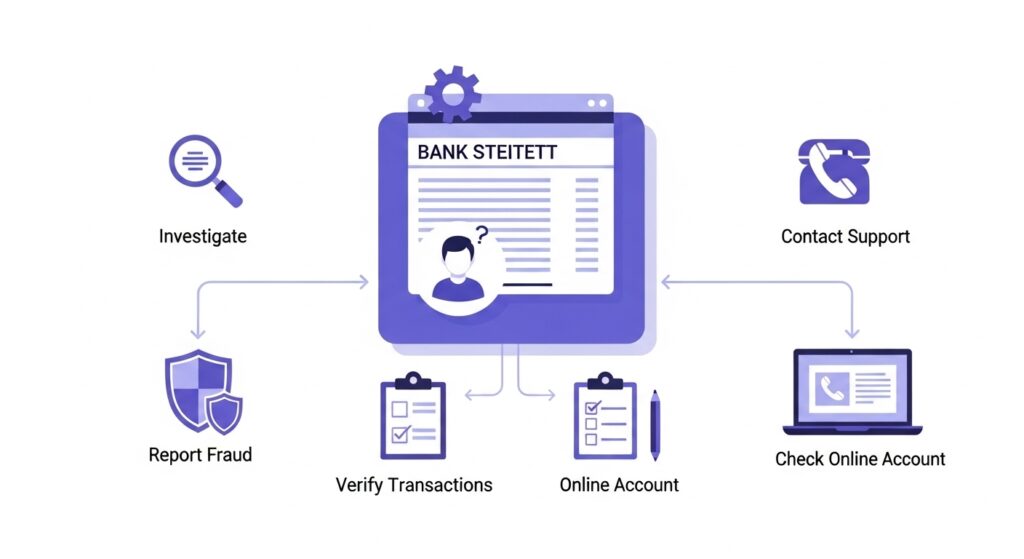
If you’re still unsure about the charge, you can take a few simple steps to verify it. Log in to Your SiriusXM Account: If you remember setting up an account, visit the SiriusXM website and log in. Navigate to the “My Account” or “Billing” section.
There, you can view your subscription details, payment history, and renewal date. For context on how digital subscription charges often appear, you might also find our article on the Google Miniclip charge informative.
- Log in to Your SiriusXM Account: If you remember setting up an account, visit the SiriusXM website and log in. Navigate to the “My Account” or “Billing” section. There, you can view your subscription details, payment history, and renewal date.
- Contact SiriusXM Customer Support: If you can’t access your account or need more details, contact SiriusXM’s customer support team directly. They can look up your information using your name, phone number, or the Radio ID from your vehicle to confirm the charge.
- Check for Other Radios: Think about any other vehicles or devices in your household. The subscription could be for a second car, a boat, or even a portable radio that you may have overlooked.
What to Do If You Don’t Recognize the Charge
If you’ve completed your checks and are certain you do not have a SiriusXM subscription, it’s time to take action. Contact SiriusXM to Cancel or Dispute: Reach out to SiriusXM’s customer service first. Explain that you don’t recognize the charge. If it’s a mistaken renewal or an unwanted subscription, you can request to cancel it. They may also be able to issue a refund depending on their policies and the timing of the charge.
Additionally, understanding other unexpected fees can help, such as those discussed in our guide on the SEI charge on your bank statement.
- Contact SiriusXM to Cancel or Dispute: Reach out to SiriusXM’s customer service first. Explain that you don’t recognize the charge. If it’s a mistaken renewal or an unwanted subscription, you can request to cancel it. They may also be able to issue a refund depending on their policies and the timing of the charge.
- Modify Your Subscription: You may find that you want to keep the service but change your plan. You can ask the customer service representative to switch you to a different package or billing cycle that better suits your needs.
- Contact Your Bank: If you believe the charge is truly fraudulent and you have no relationship with SiriusXM, contact your bank or credit card company immediately. Report the unauthorized transaction. They can start a formal dispute process, reverse the charge, and issue you a new card to prevent further fraudulent activity.
How to Prevent Confusion in the Future
A little organization can go a long way in preventing surprise subscription charges. Set Renewal Reminders: Whenever you sign up for a service, add the renewal date to your calendar with an alert a week or two in advance. This gives you time to decide if you want to keep the subscription.
For managing multiple recurring payments effectively, our bank statement loan calculator can be a handy tool. Track Trial Subscriptions: Free trials are great, but they often lead to forgotten charges. Keep a list of your active trials and their end dates so you can cancel them before you’re billed.
- Set Renewal Reminders: Whenever you sign up for a service, add the renewal date to your calendar with an alert a week or two in advance. This gives you time to decide if you want to keep the subscription.
- Track Trial Subscriptions: Free trials are great, but they often lead to forgotten charges. Keep a list of your active trials and their end dates so you can cancel them before you’re billed.
- Use Bank Alerts: Many banks allow you to set up alerts for transactions over a certain amount or for recurring payments. These notifications can give you a real-time heads-up when a subscription renews.
Conclusion
Seeing the SXM-SIRIUSXM.COM/ACCT charge on your statement can be alarming, but it’s usually just a payment for a SiriusXM radio subscription. By reviewing potential sources like car purchases, free trials, and automatic renewals, you can often identify the reason for the charge.
If you’re ever in doubt, verifying directly with SiriusXM or disputing a truly unknown charge with your bank will help you resolve the issue and keep your finances in order. Staying on top of your subscriptions is the best way to ensure you’re only paying for the services you want and use.