What Is the CCI CARE.COM Charge on Your Statement?
Seeing an unfamiliar charge on your bank or credit card statement can be alarming. Your mind might jump to the worst-case scenario: fraud. While it’s always smart to be cautious, many mysterious-looking charges are perfectly legitimate, though perhaps forgotten. The “CCI CARE.COM” charge is a common example that often causes confusion. This guide will explain what this charge is, why it might appear on your statement, and what steps you should take to verify it.
What Is CCI CARE.COM?
The charge labeled “CCI CARE.COM” on your statement is the billing descriptor for services provided by Care.com. Care.com is a well-known online marketplace that connects families and individuals with caregivers. The platform offers a wide range of services, including childcare, senior care, pet care, housekeeping, and tutoring.
When you sign up for Care.com and use its paid features, the resulting transaction will appear on your financial statement with “CCI CARE.COM” or a similar variation. The “CCI” part stands for Care.com, Inc., the official name of the company. These charges are directly linked to a subscription or a one-time service you purchased through their platform.
Why Does the CCI CARE.COM Charge Appear on Your Statement?
There are several reasons why you might see a charge from CCI CARE.COM. Most often, it’s related to a service you or a family member knowingly purchased. If you want to better understand other mysterious charges that could appear on your statement, you can also check out our guide on WW INTL DIGITAL 800-221-2112 charge on bank statement.
Here are the most common reasons:
- Premium Subscription: Care.com operates on a freemium model. While you can create a basic profile for free, you need a paid Premium membership to contact caregivers, view full profiles, and access background check options. These subscriptions often auto-renew monthly, quarterly, or annually. You may have signed up for a trial and forgotten to cancel, leading to a recurring charge.
- Background Checks: When you hire a caregiver, it’s wise to run a background check. Care.com offers various levels of checks, known as CareCheck or more extensive screening options, which come at an additional cost. This is typically a one-time charge per check.
- Payments to a Caregiver: Some users opt to pay their caregivers directly through the Care.com platform. If you’ve set up payments for a babysitter, housekeeper, or pet sitter, the transaction may be processed and billed as CCI CARE.COM.
- A Family Member’s Account: It’s possible that another person with access to the card, such as a spouse or partner, signed up for Care.com to find a caregiver for a child, an elderly parent, or a pet. They may have forgotten to mention the subscription, leading to a surprise charge on your statement.
Is the CCI CARE.COM Charge Legitimate?
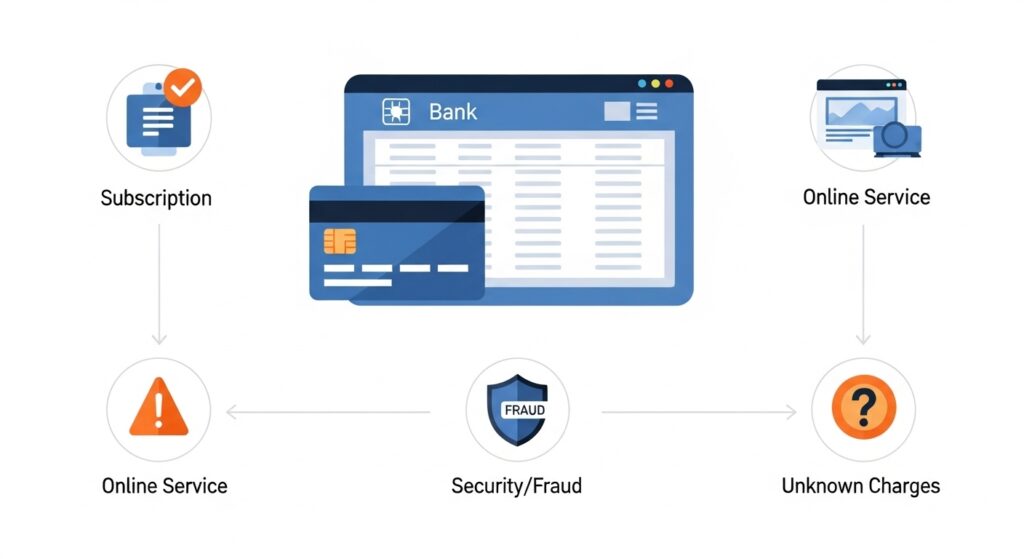
In most cases, the CCI CARE.COM charge is legitimate. It’s usually an authorized payment for a service you or someone in your household requested. For comparison, if you’ve seen other unfamiliar charges like the Google Miniclip charge on your bank statement, they are often linked to legitimate online services as well.
Ask yourself these questions to determine if the charge is valid:
- Have you recently looked for a babysitter, pet sitter, or senior care provider?
- Did you sign up for a free trial on Care.com and forget to cancel it?
- Did you run a background check on a potential employee?
- Could your spouse or another family member have used your card to pay for a Care.com service?
If the answer to any of these is yes, the charge is likely authorized. However, you should still be aware of potential warning signs of fraud. If you have never heard of Care.com, have not sought care services, and are certain no one with access to your card has used it, then the charge could be unauthorized.
How to Verify the Charge
If you’re still unsure about the CCI CARE.COM charge, a few simple steps can help you confirm its origin and purpose. Additionally, understanding other financial entries, such as what the SEI charge on your bank statement means, can help you recognize legitimate transactions versus unauthorized ones.
Check Your Care.com Account and Emails
The fastest way to verify the charge is to log into your Care.com account. Navigate to the “Account & Settings” section, where you should find your subscription status, billing history, and any one-time payments. This will show you exactly what the charge was for and when it was processed.
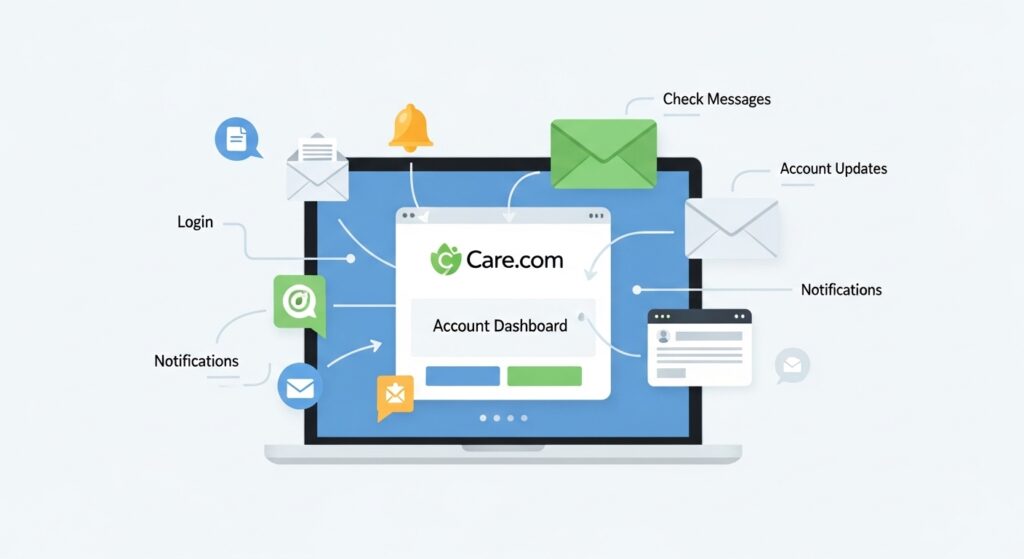
Also, search your email inbox (and spam folder) for messages from Care.com. The company sends email confirmations for subscriptions, payments, and background check purchases. These emails serve as digital receipts and can quickly clear up any confusion.
Contact Care.com Customer Support
If you cannot find any information in your account or emails, the next step is to contact Care.com’s customer support directly. Have the transaction details ready, including the date of the charge and the amount. Their support team can look up the transaction and tell you which account it is associated with and what service was purchased. This is particularly helpful if you suspect another family member used your card without your knowledge.
What to Do If You Don’t Recognize the Charge
If you have completed your investigation and are certain the charge is unauthorized, you need to act quickly to protect your account. You may also find tools like a bank statement loan calculator useful to track your finances and monitor for unusual deductions.
Cancel Unauthorized Subscriptions
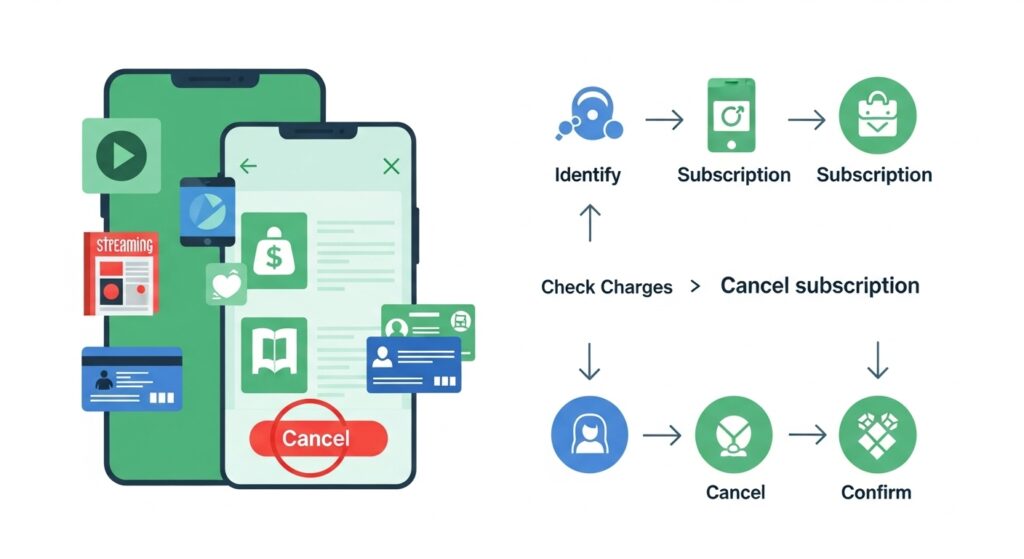
If you discover an old subscription you no longer need, make sure to cancel it through your Care.com account settings to prevent future charges. Simply disputing the charge with your bank will not cancel the underlying subscription, and the charges will likely reappear.
Contact Your Bank or Card Provider
If you confirm the charge is fraudulent, contact your bank or credit card company immediately. Report the unauthorized transaction and ask them to initiate a dispute or chargeback. They will guide you through the process, which usually involves freezing the current charge and investigating the claim. They may also recommend canceling your card and issuing a new one to prevent further fraudulent activity.
How to Prevent Unwanted Charges in the Future
Staying on top of your finances is the best way to avoid surprise charges from any service, not just Care.com. You can also stay informed about market and financial trends to manage your spending effectively, for example by checking silver price updates on FintechZoom.
- Manage Online Subscriptions: Keep a list of all your active subscriptions and their renewal dates. Set calendar reminders a few days before a trial ends or a subscription renews so you have time to cancel if needed.
- Use Transaction Alerts: Most banks and credit card companies offer real-time transaction alerts via email or text. Enable these notifications to stay informed about every charge made to your account.
- Review Your Statements Regularly: Don’t wait until the end of the month to review your statement. Check your online banking portal weekly to catch any unusual activity early. This habit can save you from financial headaches down the road.
Conclusion
The CCI CARE.COM charge on your bank statement is almost always linked to a legitimate subscription or service from Care.com. It could be for a premium membership, a background check, or a payment to a caregiver. Before panicking, take the time to investigate by checking your account and communicating with family members.
While these charges are often valid, it’s essential to act decisively if you suspect fraud. If you’re ever unsure about abbreviations or transaction codes, resources like what does TST mean on your credit card statement can help clarify your account activity.